


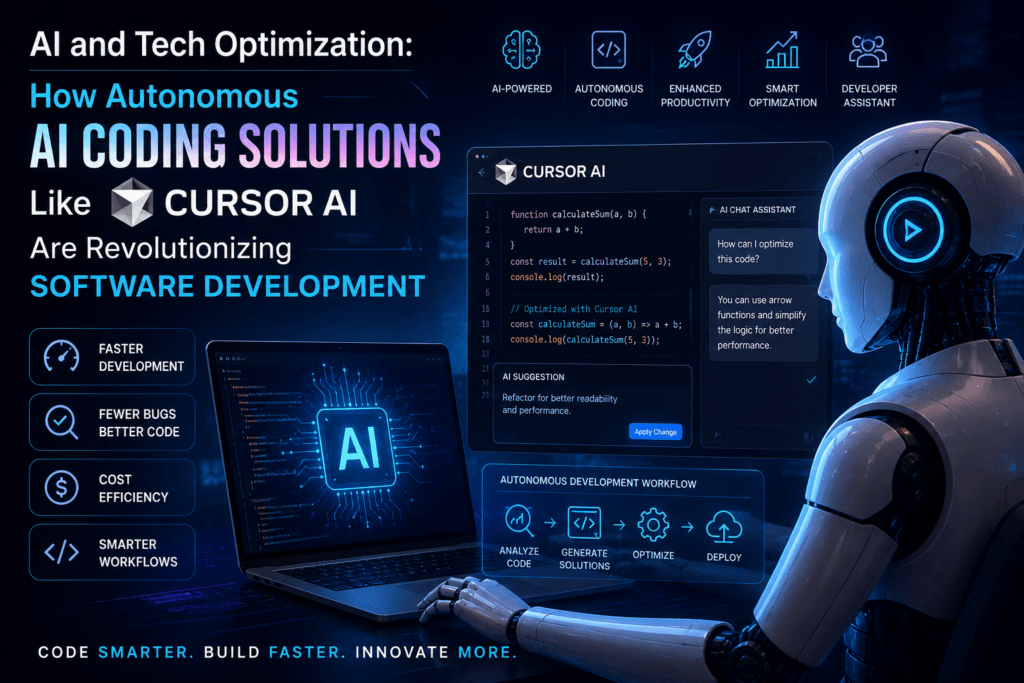
AI and Tech Optimization: The Rise of Autonomous AI Coding Solutions Like Cursor AI
In the fast-evolving landscape of software development, artificial intelligence has transitioned from a futuristic concept to an indispensable daily companion for developers and tech enthusiasts worldwide. As we move deeper into 2026, demand for autonomous AI coding solutions has surged. Tools like Cursor AI are at the forefront of this revolution, promising to optimize workflows, accelerate innovation, and redefine what it means to “code.”
This article examines the rise of AI coding tools, with a deep focus on Cursor AI and similar platforms. It looks at their capabilities, benefits, challenges, alternatives, and broader implications for software engineering. Whether you’re a seasoned developer seeking productivity gains or a tech enthusiast curious about automation, this guide shows how these tools fit into modern development.
The Evolution of AI in Software Development
The journey toward autonomous AI coding didn’t happen overnight. It traces back to early experiments in machine learning for code completion and has accelerated with the advent of large language models (LLMs).
In the early 2010s, tools like IntelliSense offered basic autocompletion. By the late 2010s, GitHub’s Copilot (powered by OpenAI’s Codex) marked a pivotal shift, introducing context-aware code suggestions capable of generating entire functions. Launched publicly in 2021, Copilot demonstrated that AI could act as a “pair programmer,” drawing from vast code repositories to assist humans.
The 2020s brought exponential progress. Models like GPT-4, Claude 3.5 Sonnet, and their successors enabled not just suggestion but reasoning, refactoring, and multi-step task execution. By 2024-2025, AI-native IDEs emerged—editors built from the ground up around AI rather than bolting it on as extensions. Cursor AI, a fork of Visual Studio Code, epitomized this shift by integrating AI deeply into every aspect of the development experience.
Today, in 2026, autonomous agents represent the cutting edge of AI coding. These systems don’t just suggest code; they plan, execute, test, debug, and even deploy with minimal human intervention. That shift makes AI coding less about assistance and more about orchestration, with developers reporting productivity boosts of 30-50% or more. Tech enthusiasts, including hobbyists and indie hackers, use these tools to prototype ideas rapidly, lowering barriers to entry in software creation.
This evolution aligns with broader tech optimization trends: cloud computing, DevOps, and low-code/no-code platforms. AI coding tools amplify these by making development faster, more accessible, and more intelligent. The market for AI coding assistants has exploded, reaching billions in valuation, driven by demands for efficiency in competitive industries like fintech, AI research, and SaaS.
What is Cursor AI? A Deep Dive
Cursor AI stands out as one of the most prominent AI-powered code editors. Built as a fork of VS Code, it retains the familiar interface while infusing AI capabilities natively, making it feel like an intelligent extension of the developer’s mind.
At its core, Cursor leverages top-tier models such as Claude 3.5 Sonnet (and successors), GPT variants, and others. Unlike traditional editors where AI is an add-on, Cursor’s AI is omnipresent—handling autocomplete, chat, editing, and agentic tasks seamlessly.
Key Architectural Advantages:
- Project-Wide Context Awareness: Cursor maintains extensive context from your entire codebase, enabling intelligent suggestions that understand architecture, dependencies, and patterns. Users praise its “infinite canvas” approach, which mitigates token limits plaguing other tools.
- Supermaven Autocomplete: This feature delivers ultra-fast, multi-line predictions with auto-imports, often feeling “telepathic.” It’s frequently cited as faster and more accurate than competitors.
- Composer and Agent Modes: For complex tasks, Composer allows multi-file edits with a diff-viewer UX that lets developers review and accept changes granularly. Agents can run terminal commands, plan features, and iterate autonomously.
Cursor has achieved massive adoption—reports indicate over 1 million users and hundreds of thousands paying—positioning it as a leader in the AI IDE space. Its pricing (around $20/month for Pro) is seen as worthwhile for the time savings, with users claiming 8-12 hours per week recovered.
Real users highlight its strengths in frontend (React, CSS) and full-stack development, where it excels at planning and editing files holistically. One developer noted after a month: the AI grasps the bigger picture better than extensions alone.
Key Features and Optimization Techniques
Cursor AI optimizes tech workflows through several innovative features:
- AI Chat and Inline Editing: Chat directly with your codebase. Ask questions like “Explain this module” or “Refactor this for performance,” and watch it edit in place. Fast Edit (pop-up prompts) allows highlighting code and giving specific instructions.
- Autonomous Agents: These go beyond assistance to execution. Agents can rebuild complex systems (e.g., experiments rebuilding SQLite in Rust), coordinate swarms, and optimize costs by routing tasks to appropriate models.
- Terminal Integration and Automation: Built-in helpers suggest and execute commands. Automations trigger agents on schedules or events, ideal for CI/CD optimization.
- Refactoring and Optimization Tools: Suggest performance improvements, security fixes, or architectural enhancements. Multi-tab refactoring handles large-scale changes efficiently.
- Integration and Extensibility: Works with existing VS Code extensions while adding AI-native ones. Supports various languages and frameworks.
Practical Optimization Tips for Users:
- Use precise prompts: Specify context, constraints, and desired style (e.g., “Optimize this Python function for low latency using async patterns”).
- Leverage Composer for multi-file tasks: Review diffs carefully to maintain control.
- Combine with version control: AI-generated commit messages streamline workflows.
- Monitor costs: Advanced usage can rack up tokens; start with lighter models for routine tasks.
- Customize rules: Persistent rules guide AI behavior consistently across projects.
These features transform coding from linear typing to high-level orchestration, optimizing developer time for creative problem-solving.
Benefits for Developers and Tech Enthusiasts
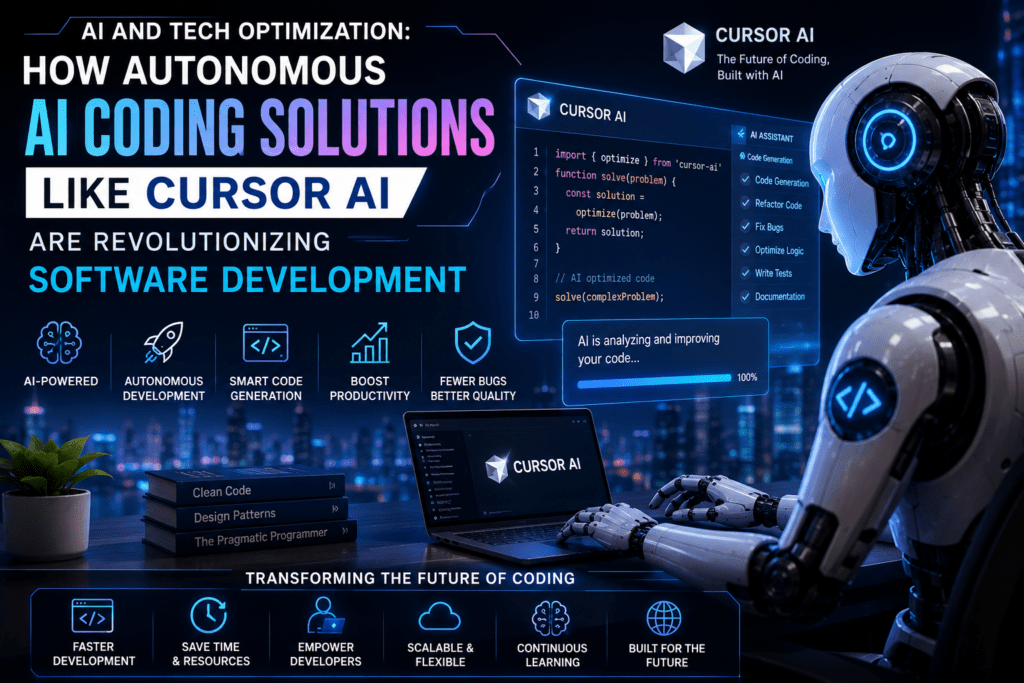
The advantages extend far beyond speed:
- Productivity Explosion: Developers complete tasks faster, iterate quicker, and tackle ambitious projects. Tech enthusiasts build MVPs in days rather than weeks.
- Knowledge Democratization: Newcomers learn by interacting with AI explanations. Seniors focus on high-value architecture.
- Error Reduction: AI catches bugs early, suggests best practices, and optimizes code (e.g., performance, readability).
- Innovation Enablement: Rapid prototyping fuels experimentation in AI, web3, IoT, and more.
- Team Collaboration: Shared agents and automated reviews improve consistency in large teams.
Surveys show high satisfaction, with many reporting transformed workflows after consistent use. For enthusiasts, it levels the playing field against well-resourced teams.
Alternatives to Cursor AI
While Cursor leads, the ecosystem is competitive in 2026:
- GitHub Copilot: Established, widely integrated, strong for teams. Agent mode handles autonomous edits but is less “native” than Cursor.
- Claude Code (Anthropic): Excels in autonomous terminal-based tasks, highly rated for complex work.
- Windsurf (formerly Codeium): Affordable VS Code fork with strong agentic features.
- Cline, Continue.dev, OpenHands: Free/open-source options with bring-your-own-key (BYOK) flexibility. Great for privacy-conscious users.
- Others: JetBrains AI, Zed, Cognition’s Devin (agent-focused), Replit.
Comparisons often favor Cursor for seamless editor experience but note alternatives shine in specific niches (e.g., cost, autonomy, or IDE preference). Tool-stacking—using Cursor for editing and Claude for agents—is common.
Challenges, Limitations, and Ethical Considerations
No tool is perfect. Common critiques include:
- Occasional hallucinations or inconsistent outputs.
- Performance overhead in large projects.
- Learning curve for advanced agent features.
- Dependency risks: Over-reliance may atrophy some skills.
- Cost and token usage for heavy users.
Ethical issues: IP concerns with training data, job displacement fears (though many see augmentation over replacement), bias in generated code, and security (e.g., leaking sensitive info). Responsible use involves human oversight, code reviews, and transparent prompting.
Real-World Applications and Case Studies
- Startups: Rapid prototyping helped teams ship features faster.
- Enterprise: Large refactors and legacy modernization.
- Research: AI agents rebuilding systems like SQLite demonstrate frontier capabilities.
- Education: Interactive learning for students.
Users consistently report higher output and enjoyment.
The Future of Autonomous AI Coding
Looking ahead, expect deeper agent autonomy, multimodal integration (code + diagrams + tests), better collaboration with humans, and specialized models for domains like embedded systems or quantum computing. Hybrid human-AI teams will dominate, with optimization focusing on creativity and strategy.
Challenges like alignment, verification, and regulation will shape development. The goal: AI as a true collaborator amplifying human potential.
Conclusion
AI and tech optimization through tools like Cursor AI mark a transformative era. Developers and enthusiasts embracing autonomous coding solutions gain unprecedented leverage. By understanding features, best practices, and limitations, you can harness this power responsibly.
Start experimenting today—install Cursor, try prompts on a side project, and witness the acceleration. The future of coding is collaborative intelligence, and it’s already here.
==